
For awards nights
EventIQ Awards · built as AwardsIQ
Every nominee announced, with a clip of their own.
One code on the table puts the running order, the host and every shortlist on every phone in the room. Each nominee gets a Nominated clip to post before the night, and the winners appear as they are read out.
For the organiser
Put the shortlists in
Categories, nominees and sponsors. A shortlist pastes in one go, with a preview first. A nominee can be a person, a gym or a federation, and Fight of the Year takes fights rather than people.
Send every nominee one link
The dashboard writes the WhatsApp message with the link in it. The chase list then shows, category by category, who has sent their details, who has opened the link and who has not been sent one.
Pick the look
One of three for the whole night. A clip is queued for every nominee who sends their details in, made from their own photograph, never from a profile somebody else typed.
Announce from your phone
Record each winner whenever the judges hand it over. Nothing is public until you press Announce, and one button announces every recorded winner if the evening runs away from you.
Hand the sponsors a report
A printable page per category sponsor, from real counts. The winners go into an archive by year and by category, with a Hall of Fame page for every inductee.
For the nominee
No app, no account and no password: a private link that opens on their phone.
- Consent comes first
- The notice, their age and a tick before anything else. Nothing is stored before the box is ticked, and nothing at all for anybody under eighteen.
- Their profile, in their words
- A photograph or a club logo, their socials and a line about their year. The preview shows exactly what the clip will show.
- A clip to post
- Their Nominated clip plays and downloads on their own page, ready for their own following before the night. A winner gets a Winner clip once the name has been read out.
- A way to take it back
- A Remove my details control on their own link clears what they sent and takes the photograph down.
Three looks, and a clip for the winner
Poster, stamp and broadcast: the organiser picks one look for the night and every clip follows it. Each carries the nominee, the category, the event, a code to the programme and the category sponsor's emblem. A Winner clip is made in advance and kept sealed until that category is announced, so it can go out the moment the name is read.
WinnerA Winner clip in the broadcast look, with the category sponsor on the closing card Fight of the YearA Fight of the Year face-off in the poster look, with both fighters' photographs
What it looks like
Captured from AwardsIQ running on the invented example, at phone width. The organiser's screens say AwardsIQ because that is the app they come from.
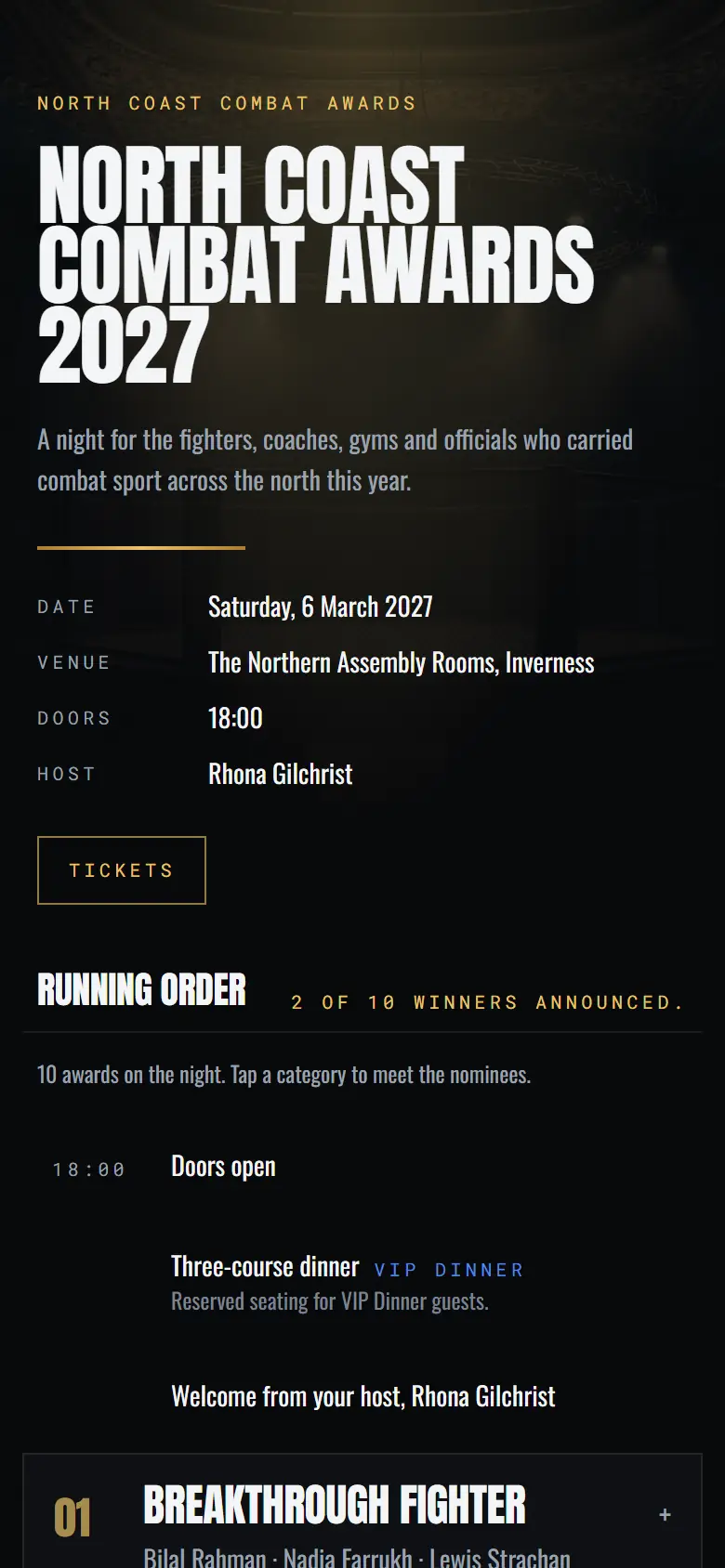
The programmeDate, venue, host and the running order, with doors and dinner between the awards. 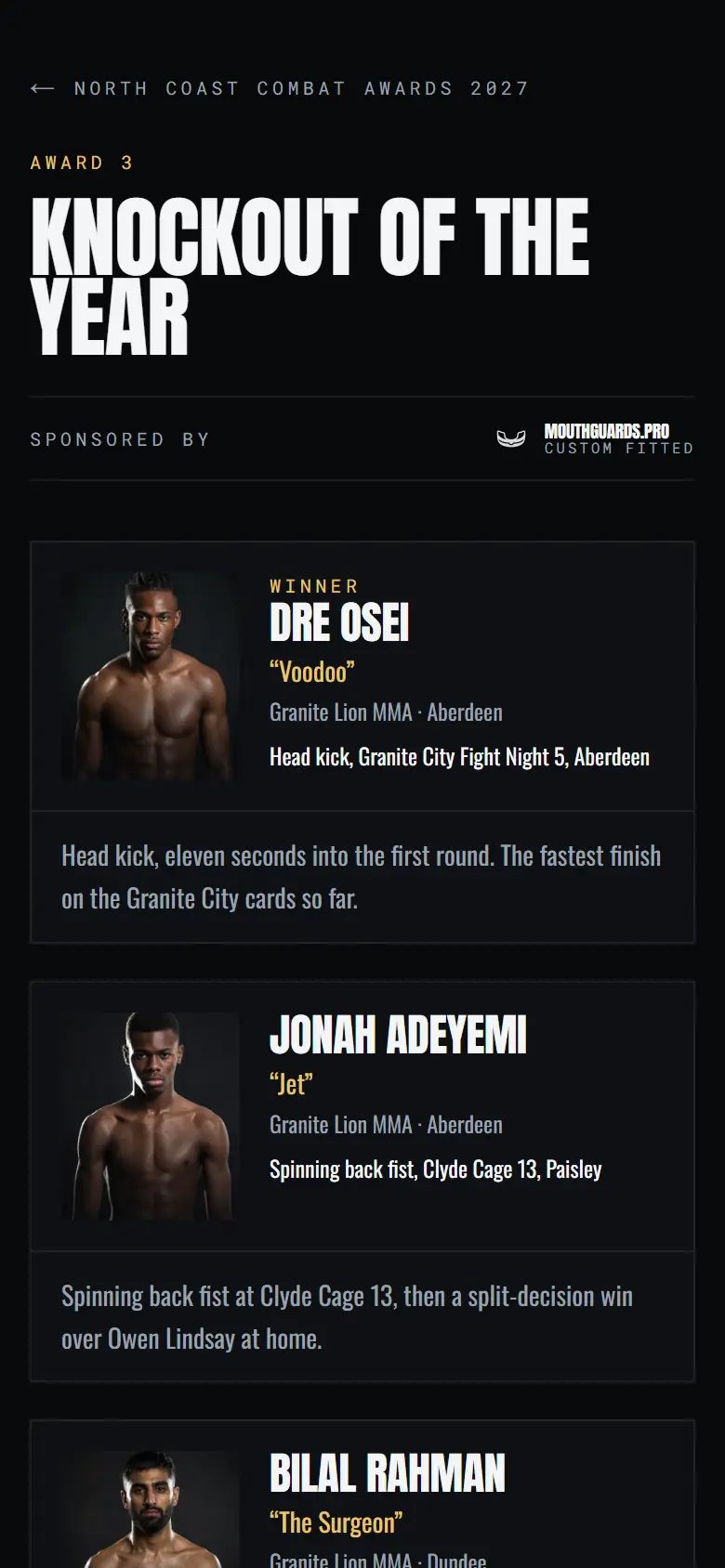
A categoryEvery nominee with a photograph, a citation and their own line, under the category sponsor. 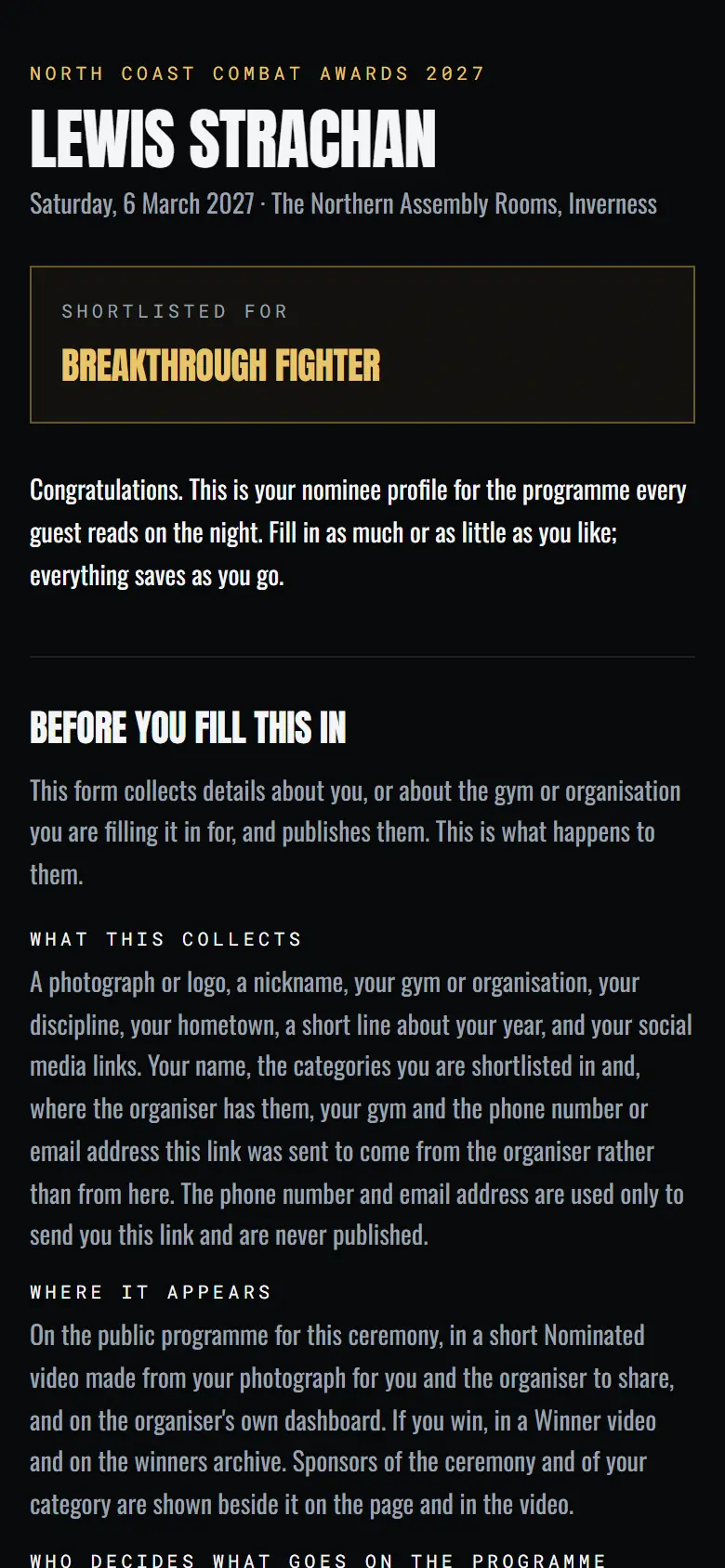
The nominee's linkWhat the nominee opens. The notice and the consent come before a single field. 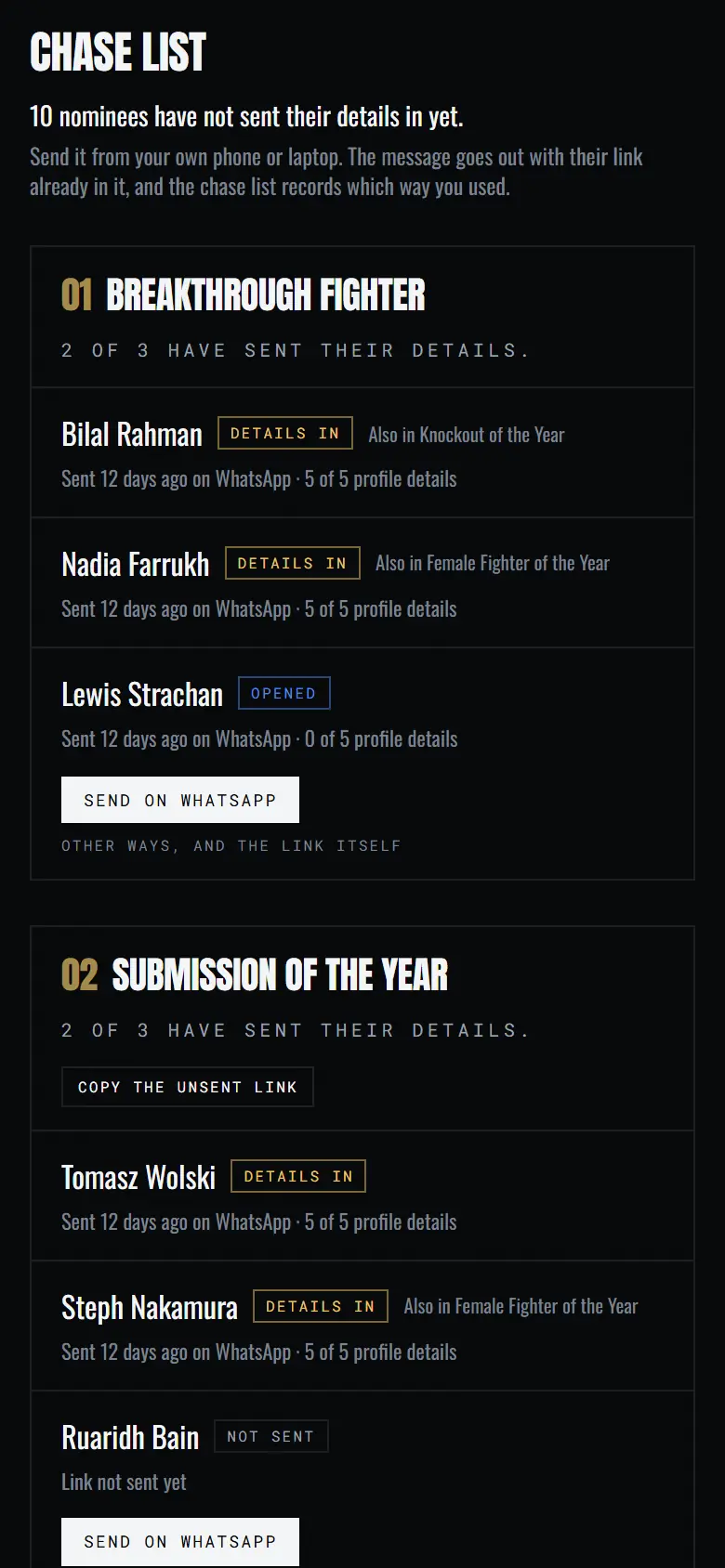
The chase listCategory by category: who has sent their details, who opened the link, who is still to be sent one. 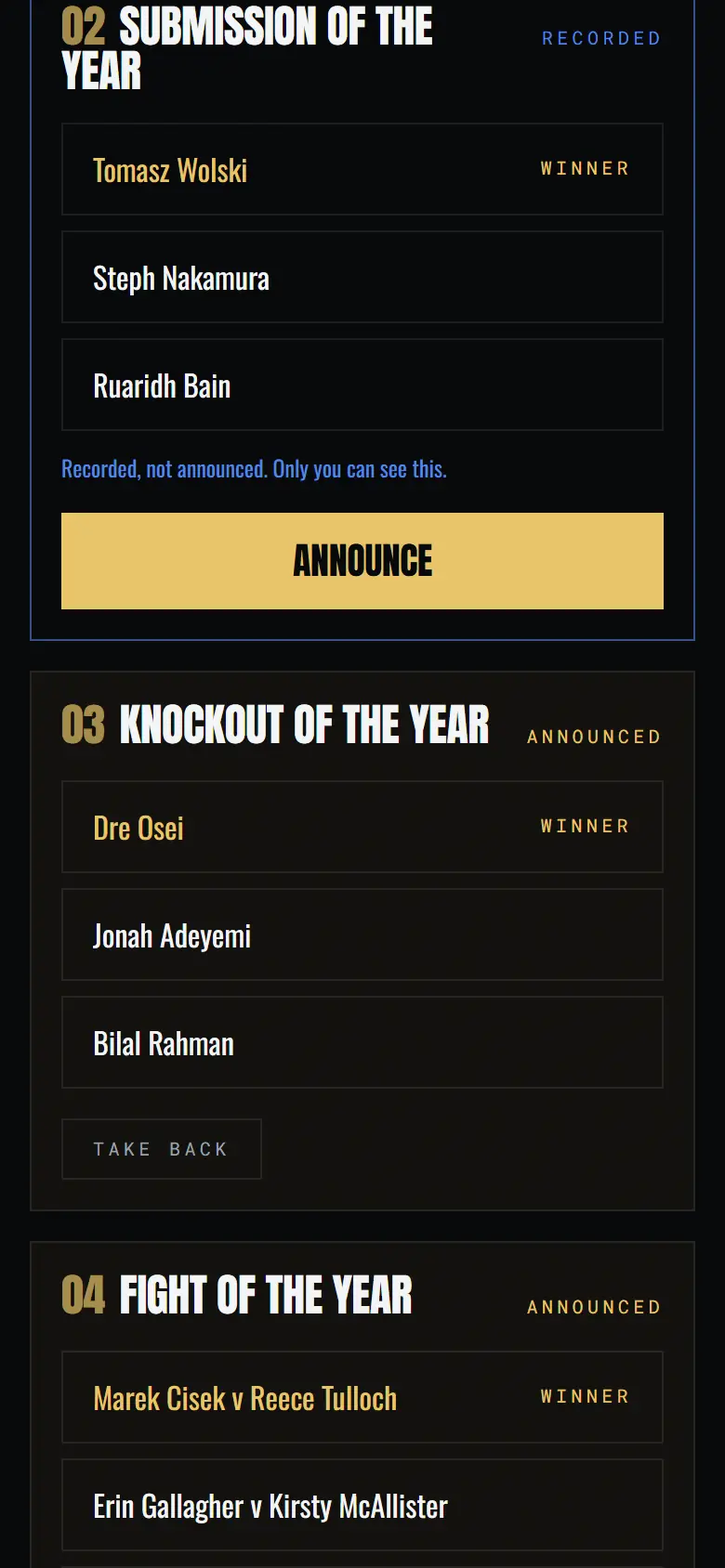
Winners on the nightA recorded winner stays private until it is announced. Only the organiser can see it before then. 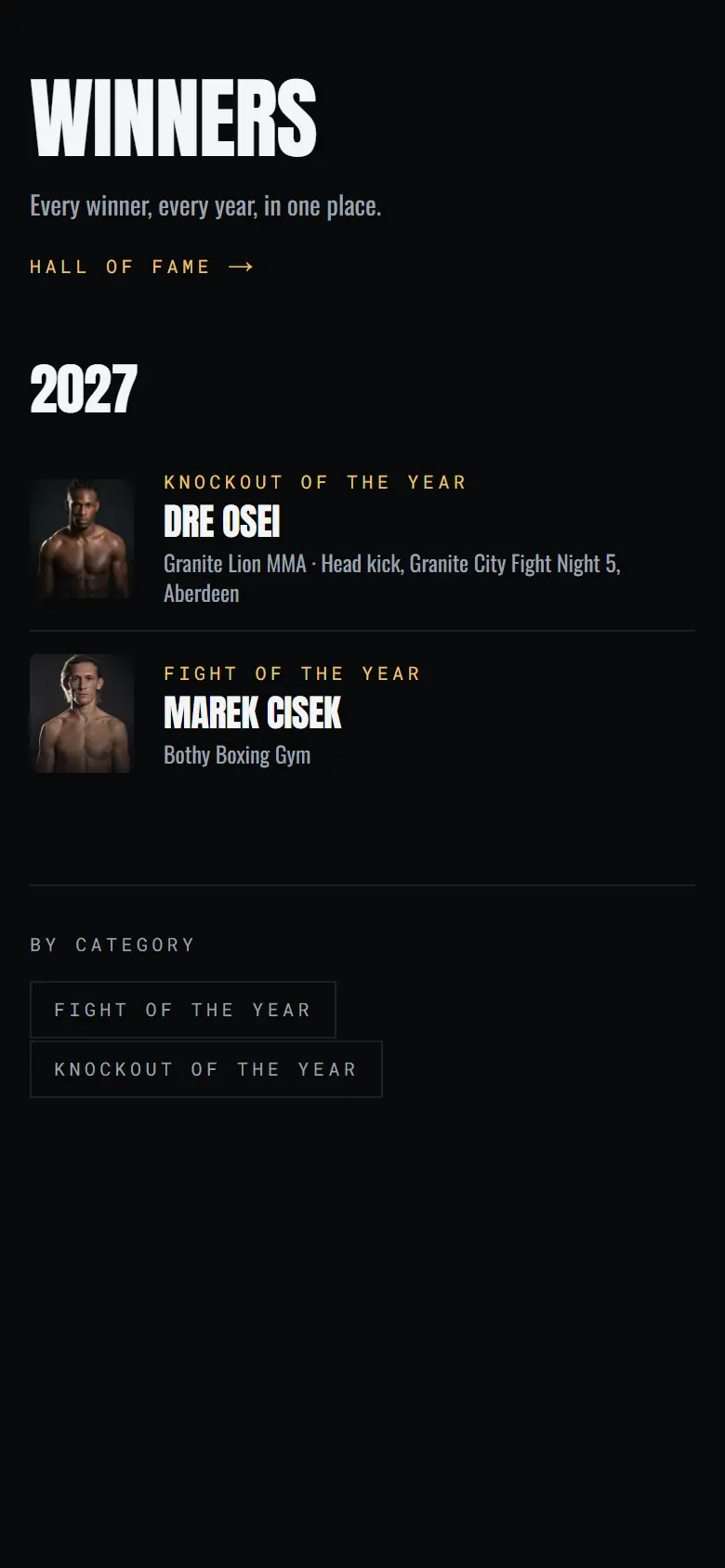
The archiveWinners by year and by category, building from one ceremony to the next.
A category sponsor gets the category
Their name sits on that category in the programme, and their emblem closes every Nominated and Winner clip in it: the clips the nominees post to their own following in the weeks before the night.
Afterwards each category sponsor gets a printable page: opens of their category, plays and shares of its clips, taps on their emblem and profile opens across the shortlist. Every figure is a count or a nought, and the page says nothing on it is estimated. Ceremony sponsors sit on the programme itself, in front of every guest who scans the code.
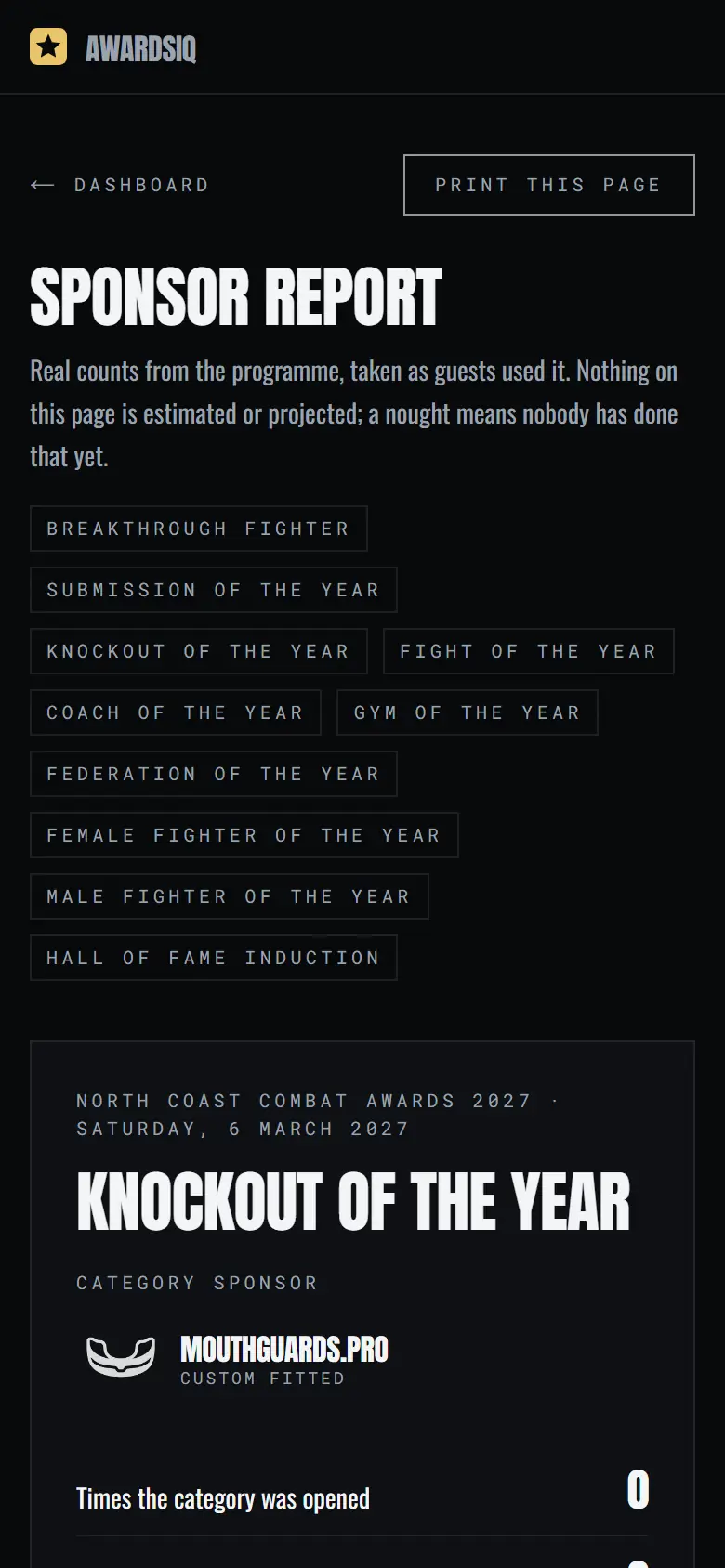
The sponsor reportOne page per category sponsor, ready to print or save as a PDF.
Ask the person who showed you this
Both are built and set up by hand for each organiser, so there is no sign-up form. Ask whoever showed you EventIQ and they will set yours up.
EventIQ for fight nightsNorth Coast Combat Awards 2027, The Northern Assembly Rooms, the host Rhona Gilchrist and every nominee, gym, federation and fight night on this page are invented. Mouthguards.pro is a real sponsor. The code on each clip points back to this page.